
Gaming Without the Guilt
Helping children enjoy gaming in a healthy, balanced way
Hope you’ve had a good week.
Gaming is a huge part of modern childhood. It can build problem-solving skills, creativity, teamwork, and even friendships.
But like anything, without boundaries, it can quickly tip from fun into frustration, conflict, or overuse.
The goal isn’t to ban gaming or feel guilty about it.
It’s to guide children in how they play, so it stays positive, balanced, and safe.
Study Spotlight: When Gaming Becomes Too Much
Recent insights from the World Health Organization highlight a growing rise in signs of gaming disorder among 12–18-year-olds.
Younger children are also picking up gaming habits earlier, often copying what they see from older siblings, friends, or even adults.
The challenge?
Gaming is designed to keep players engaged — with rewards, levels, and social interaction that make it hard to stop.
Takeaway:
Gaming itself isn’t the problem.
It’s the lack of structure and awareness around it that can lead to unhealthy patterns.
Healthy Gaming Starts with Simple Boundaries
Creating healthy gaming habits doesn’t need to feel like a constant battle.
Small, consistent boundaries can make a big difference.
Start with these simple principles:
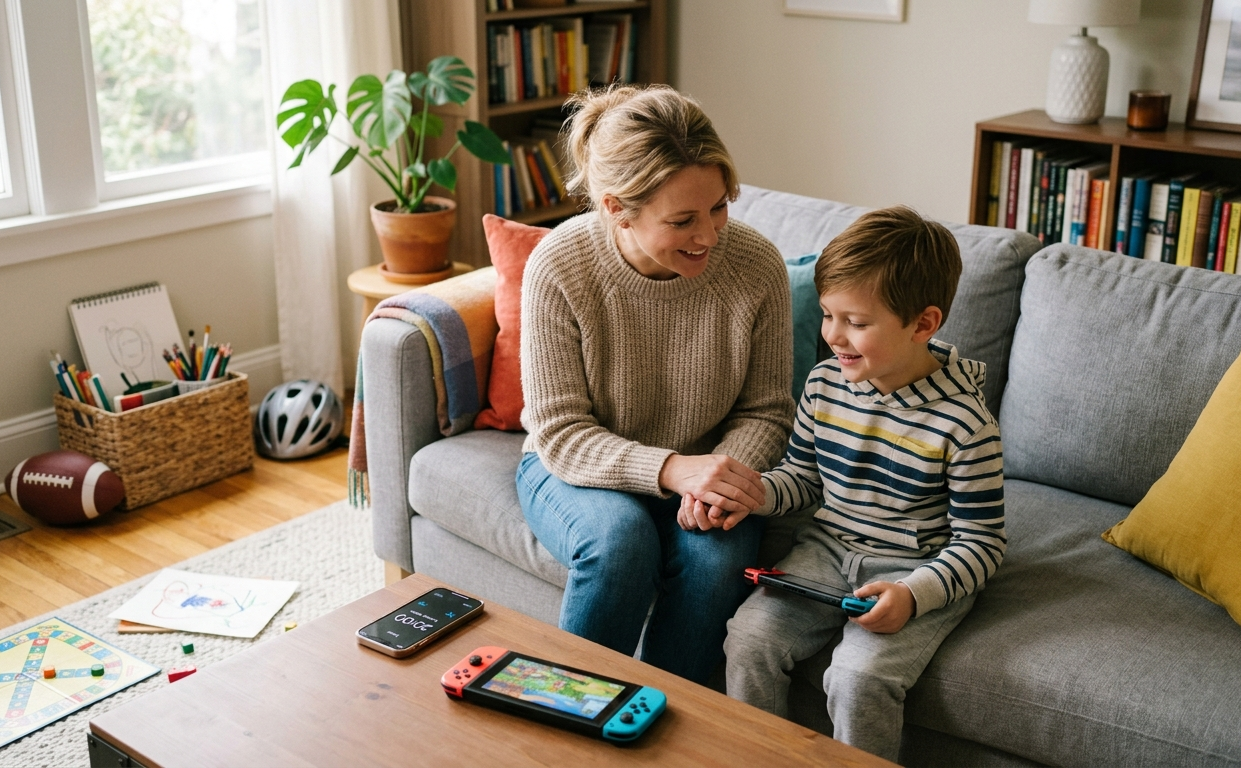
Set clear gaming windows (e.g. after homework, before dinner)
Co-play or observe younger children to understand what they’re experiencing
Use timers that children help set — this builds ownership and reduces resistance
Balance gaming with offline activities like sports, hobbies, and social time
Gaming feels better for children when it’s part of a balanced day, not the only focus.
Try this phrase:
“I’m helping you game safely and still have time for other things.”
This keeps the tone supportive, not controlling, and helps children understand the why behind the boundaries.
👶 Babies (0–12 months)\
Even at this stage, habits begin with you.
Be mindful of your own screen and gaming use — babies learn through attention, eye contact, and interaction.
🌱 Little Ones (1–6 years)
Keep gaming short and shared.
Choose simple, age-appropriate games and play together for 5–10 minutes.
Talk about what’s happening to turn it into a learning experience.
🌿 Growing Kids (7–11 years)
Introduce structure.
Use timers and clear rules around when and how long they can play.
Encourage earning gaming time through balanced activities like homework, reading, or outdoor play.
🌴 Tweens & Teens (12–18 years)
Focus on collaboration, not control.
Agree on weekly limits together and discuss online behaviour, safety, and balance.
Help them reflect on how gaming makes them feel — energised, frustrated, connected, or tired.
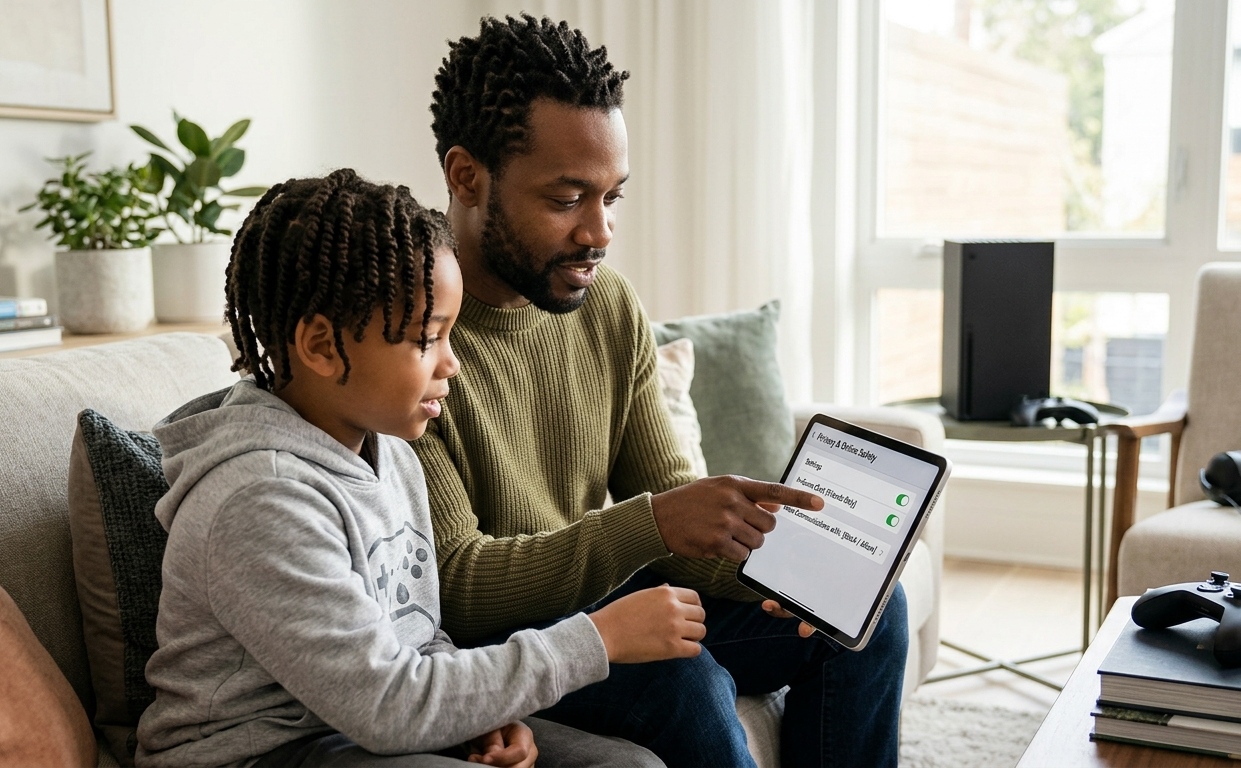
Check In-Game Chat Settings
Many games automatically allow players to chat with “Everyone” — including strangers.
Take a few minutes to:
Review chat and privacy settings together
Limit communication to “Friends Only” where possible
Turn off voice chat for younger children
Remember:
Safety isn’t just about the game — it’s about who your child can interact with while playing.
This Week’s Term: IN-GAME CHAT

Definition:
Voice or text communication within a game, allowing players to talk to each other in real time.
Why it matters:
In-game chat can expose children to strangers, inappropriate language, bullying, or pressure from other players.
Tip:
Talk openly and calmly about the risks.
Remind your child:
Not everyone online is who they say they are
They can always come to you if something feels wrong
Reassure them:
“If something happens, we’ll sort it out together — no shame, no blame.”
This builds trust and keeps communication open, even if mistakes happen.
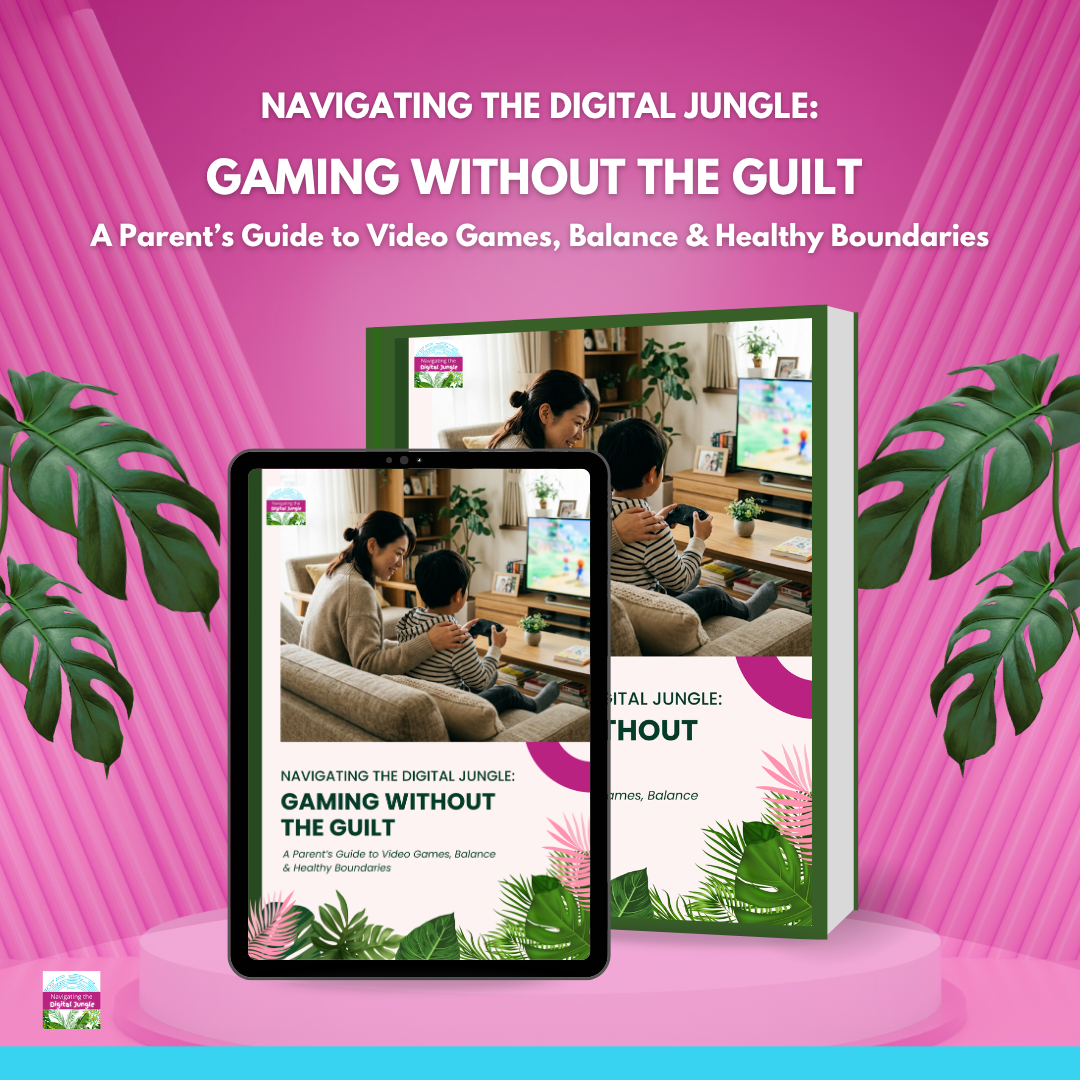
Gaming Without the Guilt
A Parent’s Guide to Video Games, Balance & Healthy Boundaries
Gaming doesn’t have to feel like a daily battle. This practical guide gives you simple, realistic strategies to create healthy, balanced gaming habits at home.
Designed to help you feel calm, confident, and in control — without constant arguments.
Inside the guide:
Clear, age-appropriate gaming boundaries
Ready-to-use scripts for stopping play and handling pushback
Tips for managing online chat, safety, and behaviour
A simple family gaming agreement to reduce conflict
Tech-Free Game Night 🎲
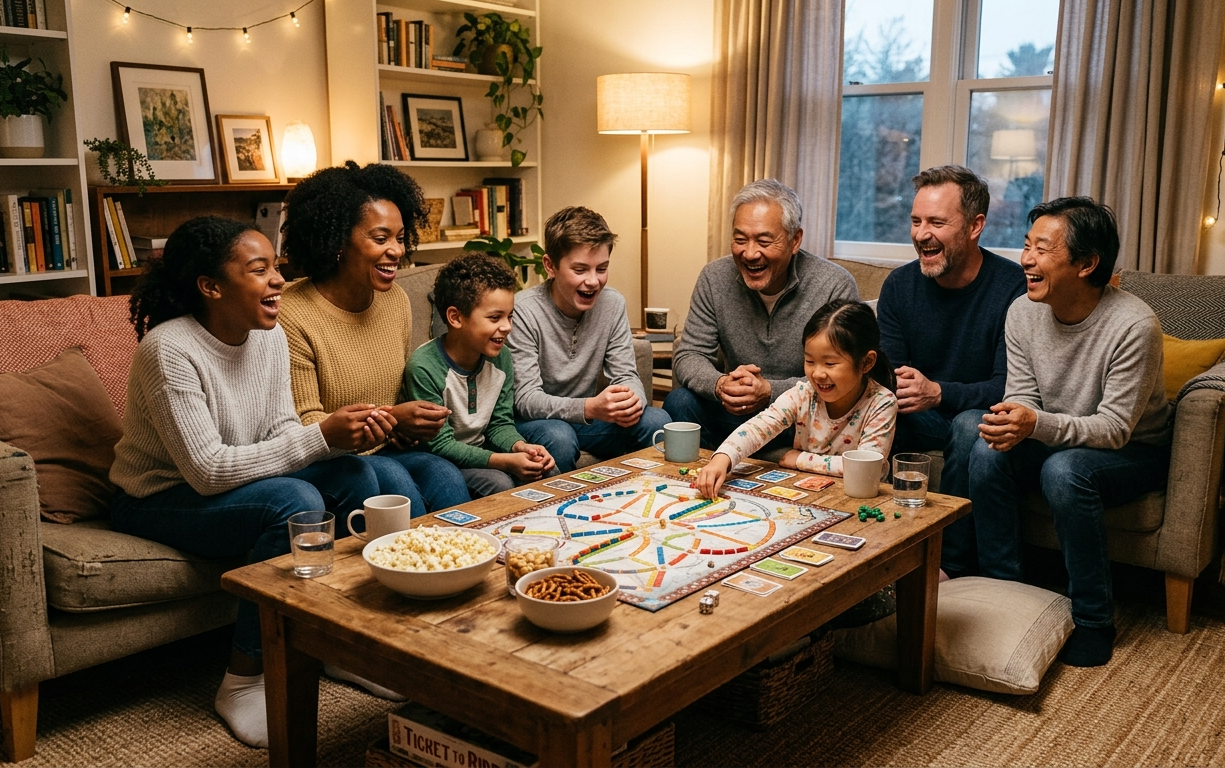
Balance gaming with real-world fun.
Try introducing a weekly tech-free evening — something the whole family can look forward to, not resist.
Simple ideas to get started:
Board games or card games
Outdoor play or sports
Creative hobbies like drawing, building, or baking
Family challenges or mini competitions
Time with friends and extended family
The goal isn’t to replace gaming completely — It’s to remind children that fun, connection, and play exist beyond screens too.
Supporting Children’s Digital Wellbeing
From gaming and screen time to social media and online safety, many families are navigating digital challenges without clear guidance.
Through Sue’s Navigating the Digital Jungle talks, parents and schools gain practical, realistic strategies to:
Set healthy boundaries around screens and gaming
Support children’s emotional wellbeing online
Understand digital habits across different ages
Build calmer, more confident conversations at home
Sessions can be tailored to your community’s needs — including gaming, screen time, or online safety.

You’re warmly invited to explore a free 20-minute introductory demo:
“The Top 5 Digital Challenges for Parents – And How to Solve Them.”
A simple starting point to help families feel more confident navigating today’s digital world.
Small steps can reshape daily habits.
When gaming has clear boundaries, it becomes part of a balanced childhood — not the centre of it.
Healthy routines are built at home.