YouTube: The Rabbit Hole
Helping children stay safe, curious, and in control online
Hope you’re having a good week.
YouTube can be an incredible place for learning, creativity, and inspiration, but it can also quickly turn into a rabbit hole. One video leads to another, and before you know it, children are watching far longer than intended, or content that isn’t quite right for their age.
The key isn’t to fear YouTube, it's to guide children in how they use it. With a few simple boundaries and conversations, you can help your child enjoy the benefits while staying safe, balanced, and in control.
Study Spotlight: The Autoplay Effect
Around 80% of children aged 7–18 watch videos daily, and features like autoplay are designed to keep them watching for longer.
The challenge?
Autoplay doesn’t distinguish between appropriate and inappropriate content; it simply keeps the stream going. This means children can easily move from safe, age-appropriate videos to content that may be overstimulating, confusing, or unsuitable.
Takeaway: Without clear stopping points, children don’t naturally “switch off.” They need guidance to help them pause, reflect, and choose intentionally.
Autoplay Awareness
Autoplay is one of the biggest drivers of overconsumption but it’s also one of the easiest things to manage.
Simple shifts that make a big difference:
Turn autoplay OFF to create natural stopping points
Preview videos before your child watches
Co-watch with younger children to guide understanding
Encourage children to choose what to watch, rather than passively letting videos choose for them.
Try this phrase:
“Let’s explore this video together first.”
This keeps you involved, builds trust, and helps children learn how to think critically about what they’re watching, not just consume it.
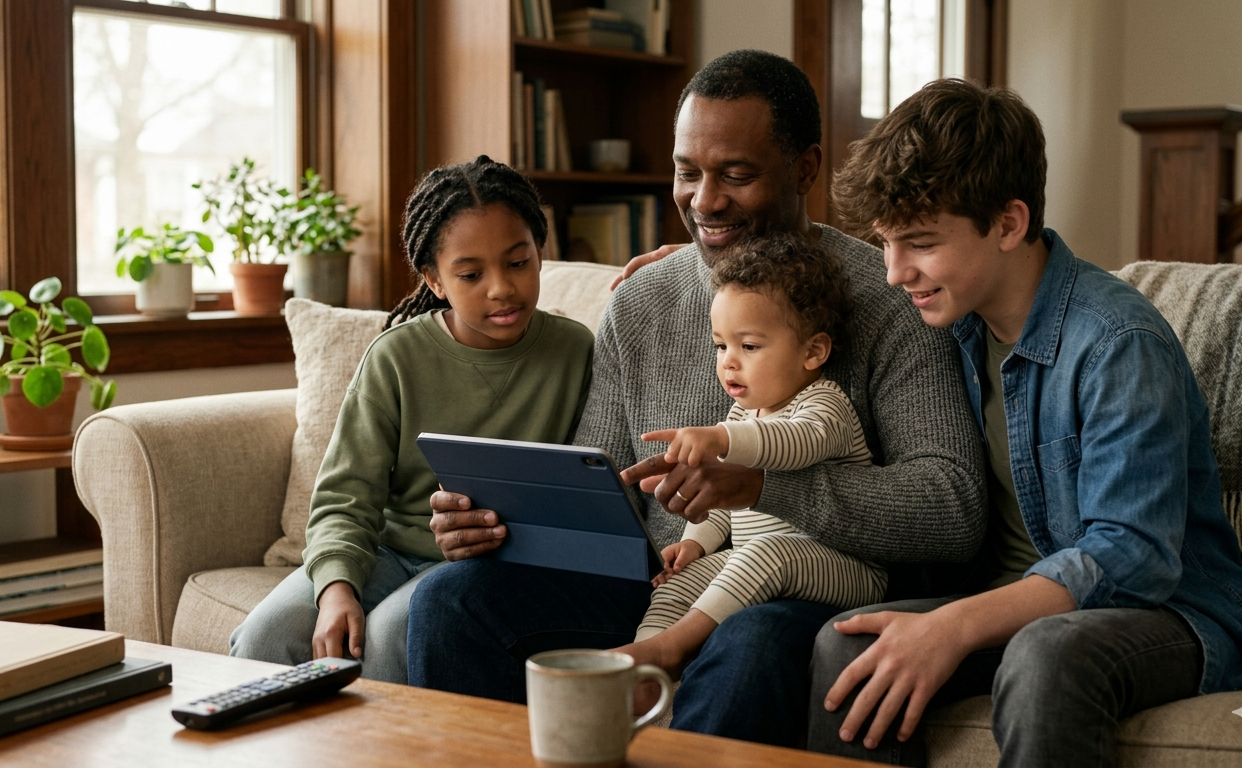
👶 Babies (0–12 months)
Avoid screens where possible. Babies learn best through eye contact, facial expressions, and real-world interaction.
Talk, sing, and play — these are far more powerful than any video.
🌱 Little Ones (1–6 years)
Keep videos short (5–10 minutes) and always co-view when possible.
Pause and talk about what’s happening on screen to turn passive watching into active learning.
🌿 Growing Kids (7–11 years)
Encourage curiosity and conversation.
Ask questions like: “What did you enjoy about that?” or “Did anything surprise you?”
Help them begin to think critically about content.
🌴 Tweens & Teens (12–18 years)
Support independence with guidance.
Encourage them to explore creative or skill-based content — tutorials, hobbies, learning new skills — rather than endless scrolling.
Discuss algorithms and how platforms are designed to keep them watching.
Creating Safer Viewing Habits
You don’t need to monitor everything but small settings can make a big difference:
Turn off autoplay to prevent endless viewing
Check content ratings where available
Be aware of comment sections, which can expose children to inappropriate language or ideas
Use parental controls or restricted modes for younger viewers
Remember: Safety isn’t just about blocking content, it's about building awareness and good habits.
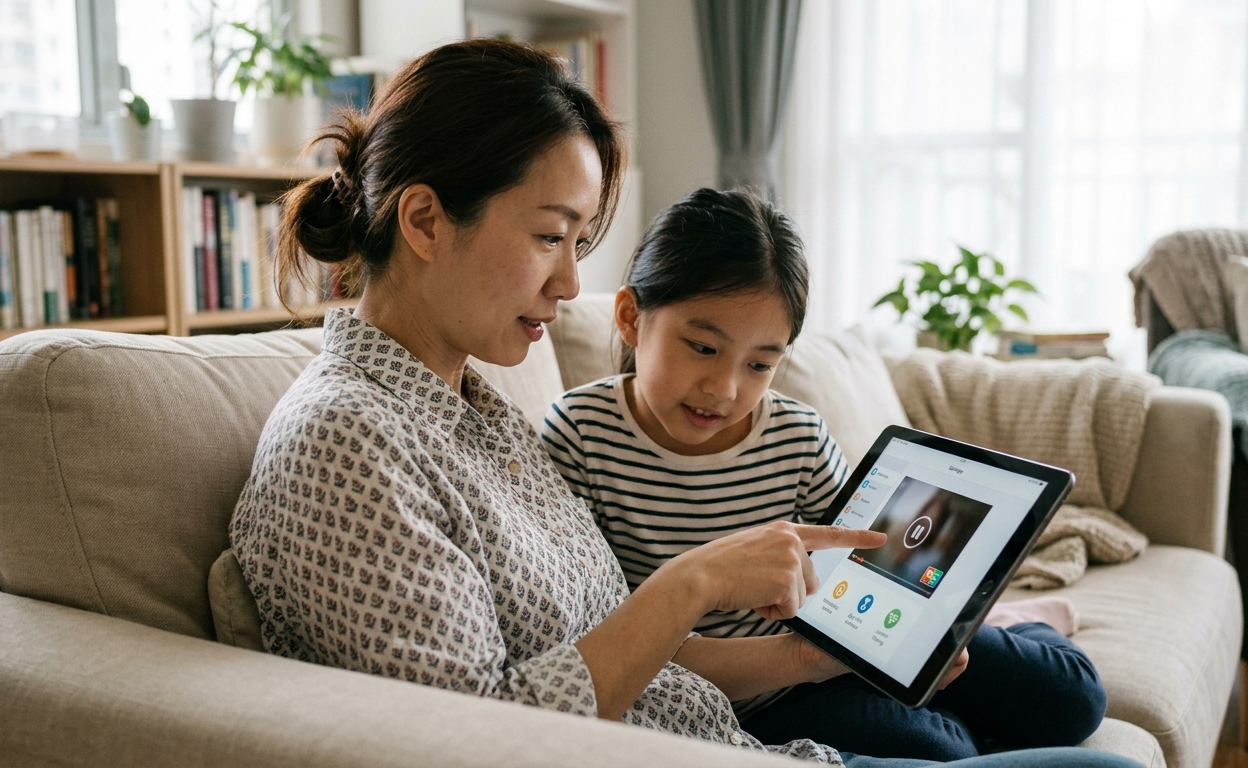
This Week’s Term: AUTOPLAY
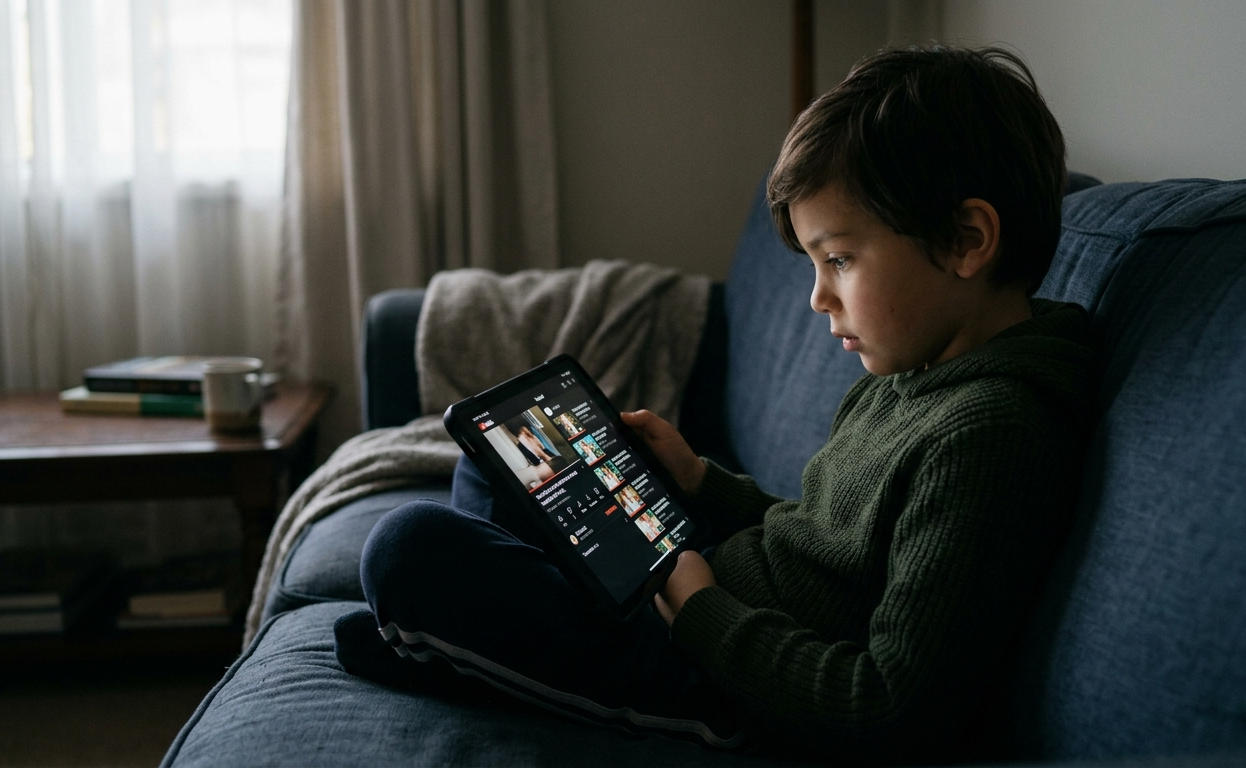
Definition: Videos that automatically play one after another without needing to click.
Why it matters:
Autoplay removes natural stopping cues, making it harder for children to disengage. This can lead to longer screen time, overstimulation, and increased exposure to unsuitable content.
Tip:
Turn it off and introduce intentional pauses:
“Let’s decide if we want to watch another one.”
YouTube Boundaries Guide
Managing YouTube doesn’t have to feel like a constant battle. This practical guide gives you simple, realistic strategies to create healthy habits around video content.
Designed to help you feel calm, confident, and in control without constant conflict.
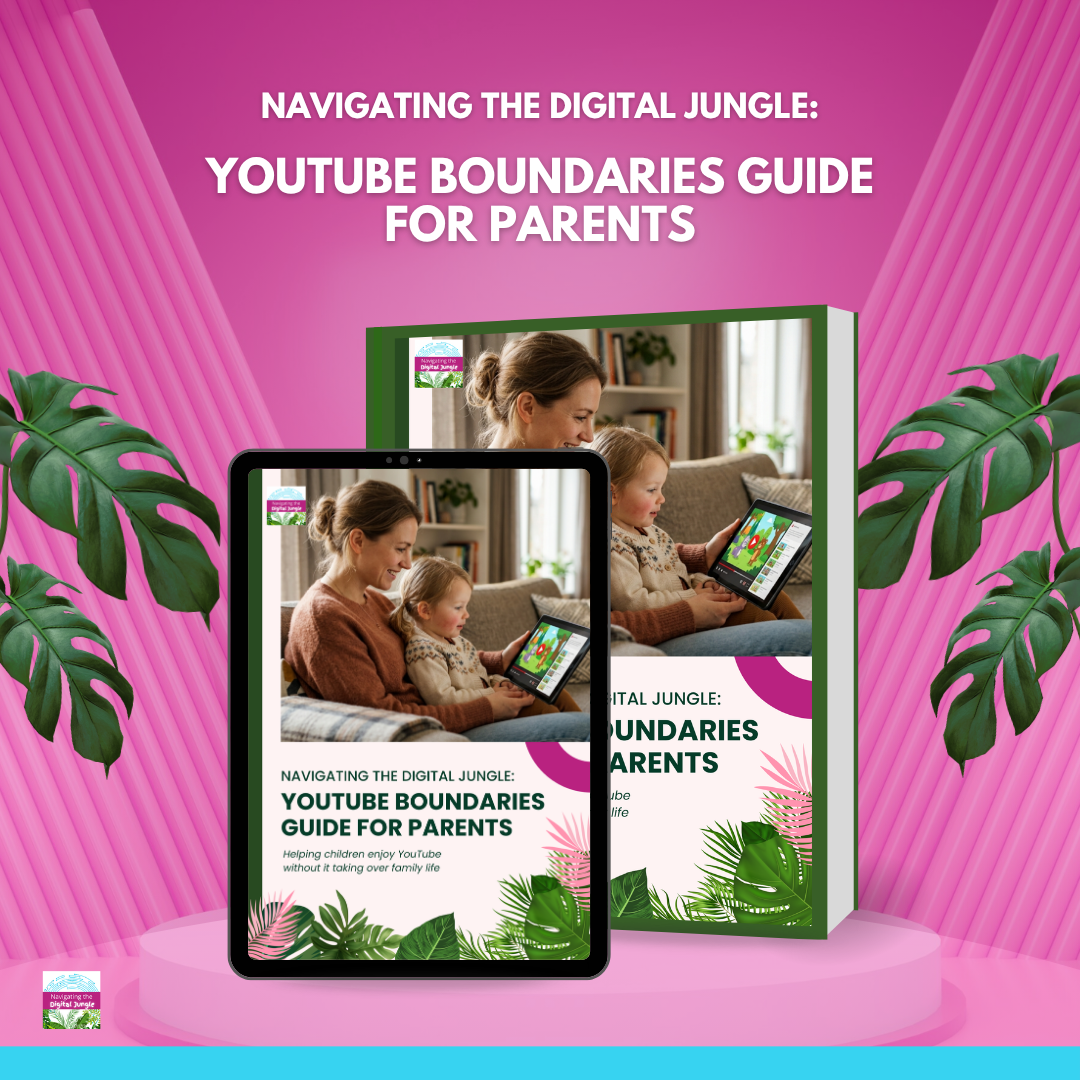
Inside the guide, you’ll find:
Clear screen time boundaries for different ages
Ready-to-use scripts for tricky conversations
Tips for managing autoplay, algorithms, and content choices
Ideas to move children from passive watching to active learning
Family Film Night — Done Differently 🎬
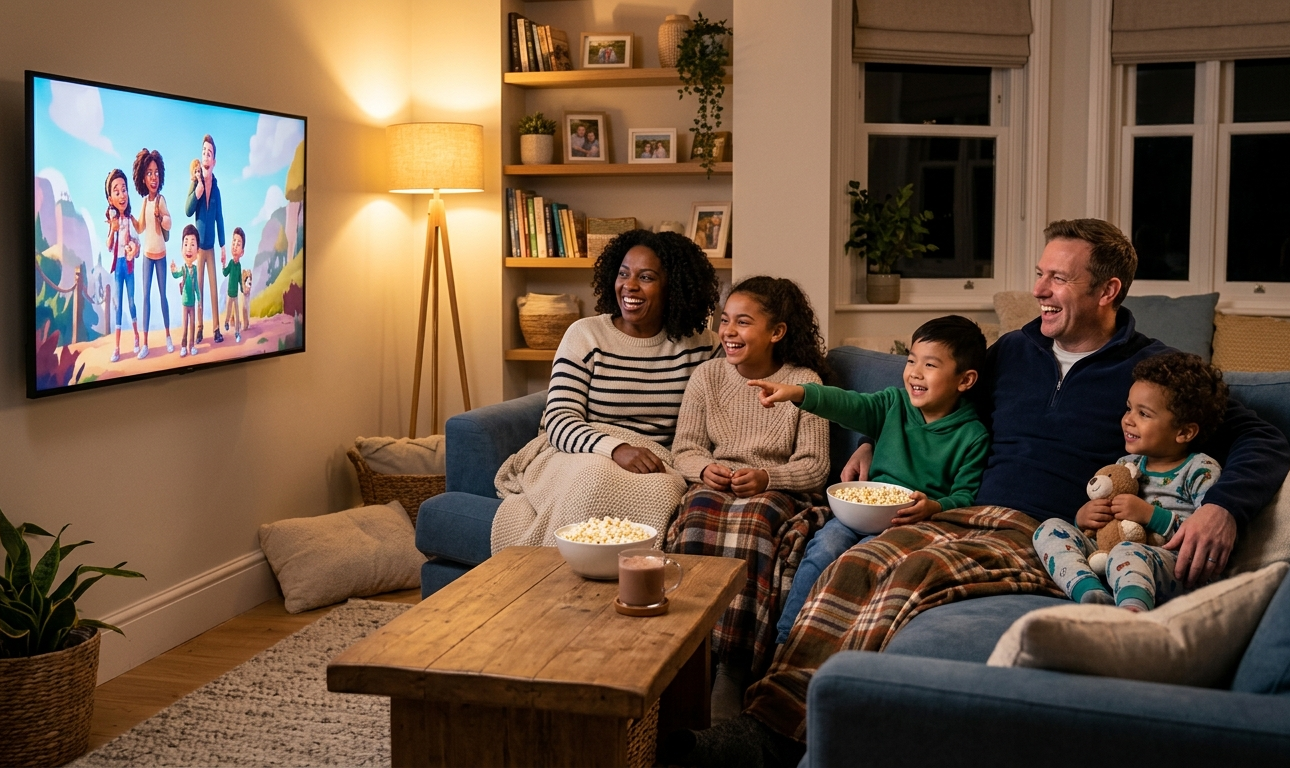
Turn screen time into connection time with a more intentional approach:
Pre-select the film together
No devices before or after — create a clear start and end.
No second screens while watching (phones stay in another room)
Talk about the film afterwards — favourite parts, characters, or lessons
This shifts screen time from passive consumption to shared experience and meaningful conversation.
Supporting Children’s Digital Wellbeing
Many families are navigating the challenges of platforms like YouTube without clear guidance. Schools and parent communities play a vital role in helping children build safe, balanced digital habits.
Through my Navigating the Digital Jungle talks, I share practical, realistic strategies that support both parents and educators in guiding children through today’s digital world.

If your school or community would find it helpful, you’re welcome to explore a free 20-minute introductory parent demo:
“The Top 5 Digital Challenges for Parents – And How to Solve Them.”
Small changes create big shifts.
Turning off autoplay and watching with intention helps children stay curious — not consumed.
Healthy screen habits start at home.